I was checking back through some notes and guides I’d made recently so wanted to add them into my blog posts for reference. After all, if no one reads them what’s the point!
A Microsoft guide for configuring Apple Device Enrolment Program (DEP) into Microsoft Intune is available here – https://docs.microsoft.com/en-us/intune/device-enrollment-program-enroll-ios
In order to complete this process, you must obtain an Apple DEP token from https://deploy.apple.com.
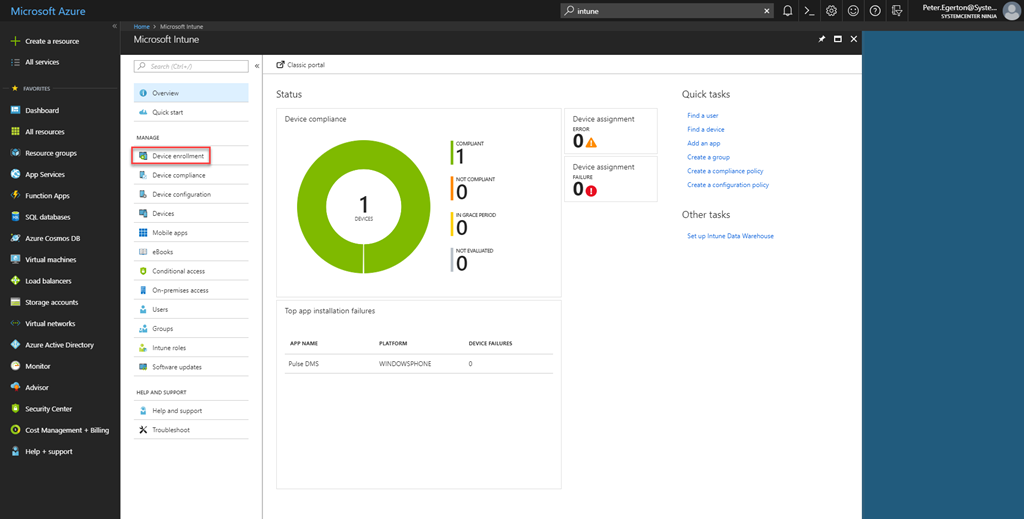
From the Microsoft Intune portal, select Device Enrolment.
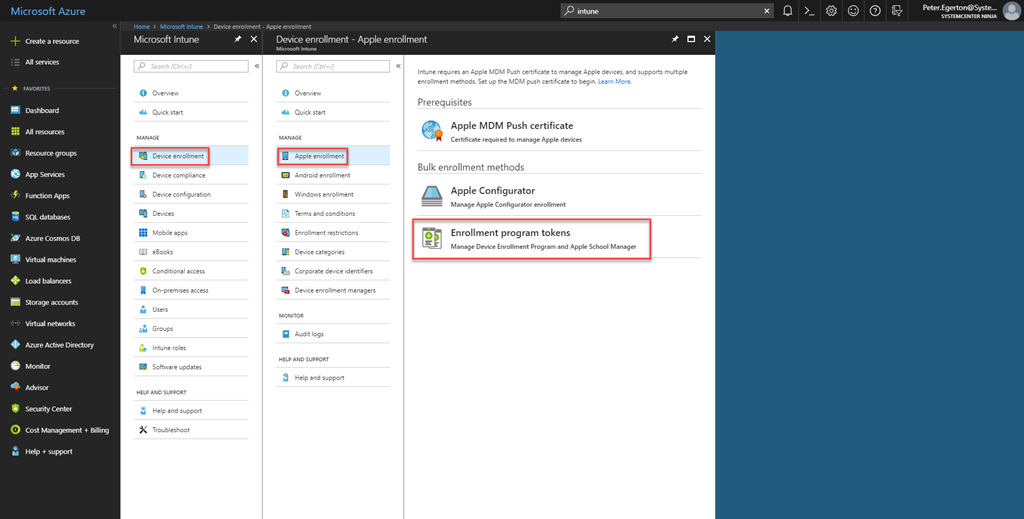
From here, select Apple Enrollment. You must already have an Apple MDM Push certificate enabled at this stage. Select Enrollment program tokens.
Now select Add.
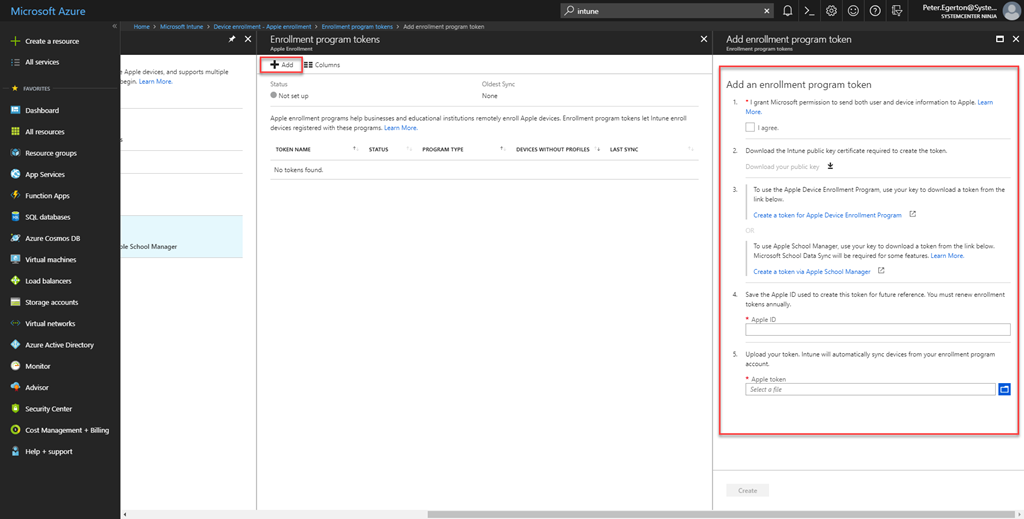
Select the “I agree” check box. Now download your Intune public key as highlighted. This should be used with https://deploy.apple.com to obtain the DEP token as instructed.
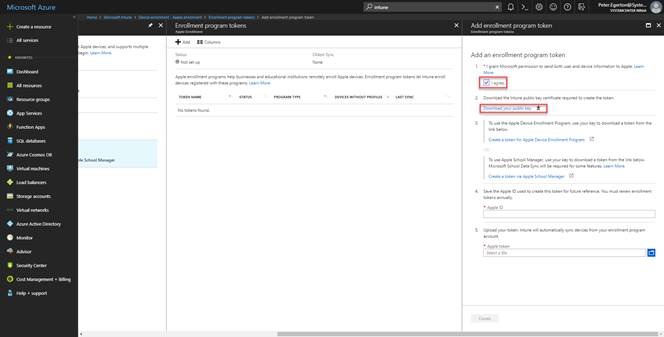
Once you have captured the DEP token from Apple you can add in the remaining information to the blade.
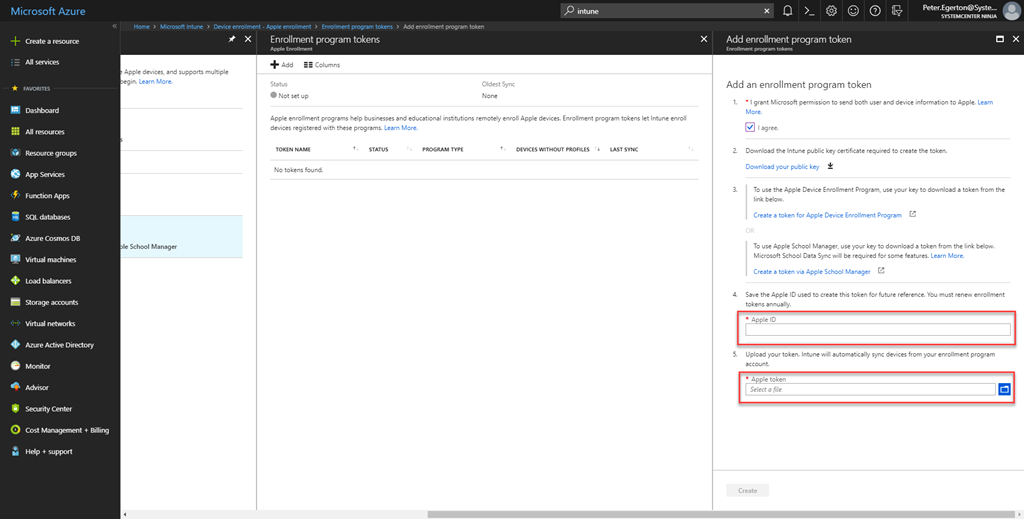
Once this is completed you should select Create to complete this process.
 More than patches